Google Review QR Code Stickers
- Ships next day
- Free shipping
- Free proof — pay after you approve
- Upload your art and see the proof in seconds — or upload later and get it by email within 1 business day. You're charged only once you approve it. Changes are free, and you can cancel free any time before you approve.
How it works
- Upload your artOr order now and upload later.
- See your proof in secondsWith the cut line, free. Nothing prints until you say yes.
- We print and cutLaminated vinyl, cut to your shape.
- Ships next dayFree USPS shipping, or faster at checkout.
How to get it right
Getting your review link
Open your Business Profile on Google while signed in, choose the option to ask for reviews, and copy the short link it gives you. Open it on your own phone first, so you know it opens your review form and not your map listing. Then paste it into the QR code field when you order: we make a dynamic code, our designer places it, and later you can change where it leads in My QR codes - after a move, a new name, or if you want it to open a different page. If your profile already gave you a QR code image, you can put that in your design instead.
Where people actually scan it
A review gets written when the customer is pleased and has a minute: paying, picking up, unpacking. That means the register, the table where the bill arrives, the bag or the inside of the shipping box - not the front door, where people are arriving with nothing to review yet. A 3-inch circle reads from arm's length at a desk; a 2-inch square fits a bag or a box flap where the phone is close.
Asking the right way
Google's rules do not allow offering a discount or a gift in exchange for a review, and they ask businesses not to collect reviews only from happy customers. So keep the wording simple and open: Tell us how we did, or Leave us a review. A short, honest ask on a well-placed sticker brings more reviews over a month than a one-off campaign, and it keeps working without anyone at the counter having to remember to ask.
Questions people ask about these
Do you create the QR code for my Google reviews?
Yes, free. Tick Add a free dynamic QR code and paste the review link from your Google Business Profile; the code is on your proof, so you can scan it from the screen before you approve. You can also bring your own code in the design.
What size works on a counter?
About 3 inches. A QR code scans from roughly ten times its width, so a 3-inch code reads from arm's length; on a bag or box flap, 2 inches is enough.
Can I add our logo and stars to the sticker?
Yes. Keep the logo outside the code itself and leave plain space around the code, and the rest of the sticker can carry your colors, logo and a short line.
Can I offer a discount for a review on the sticker?
We would not. Google's review policy does not allow incentives for reviews, so keep the line to a plain request.
Will it hold up on a counter that gets wiped all day?
Yes. It is waterproof laminated vinyl with a permanent adhesive.
Will I see the sticker before I pay?
Yes. With a dynamic QR code our designer emails the proof, usually within 1 business day, and you are charged only when you approve it. For most other files the proof is on screen in seconds.
Guides for this job
- How to print QR code stickers that scan — size, margin, matte vs glossy
- Static vs dynamic QR codes — which one to print


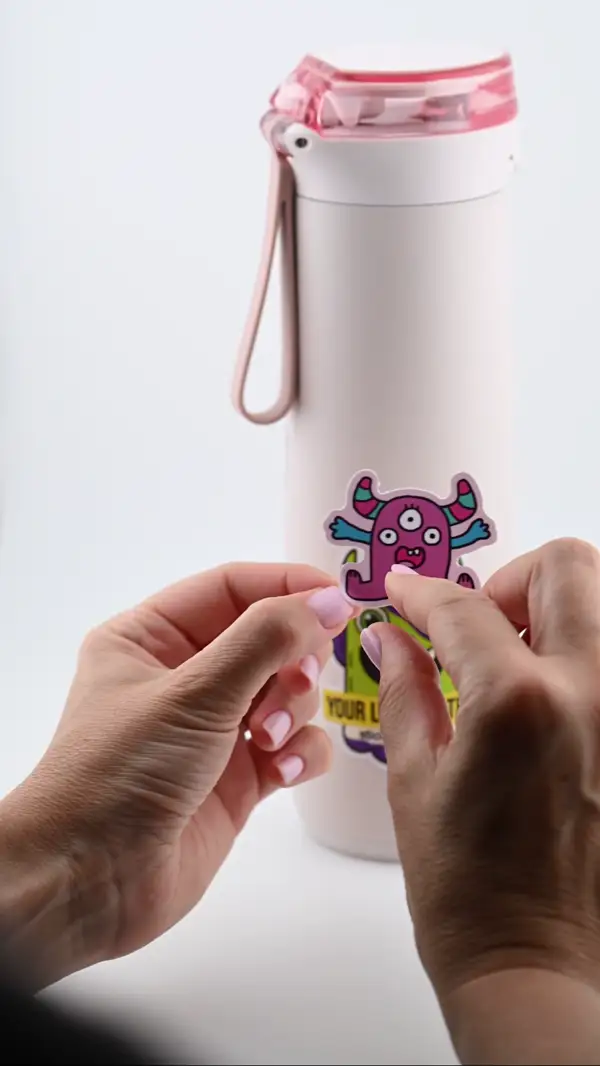
- PeelThe backing lifts clean — no tearing
- PlaceLands flat - line it up before you press
- SmoothNo bubbles — press it down and you are done
- StaysLaminated and waterproof. Survives the dishwasher