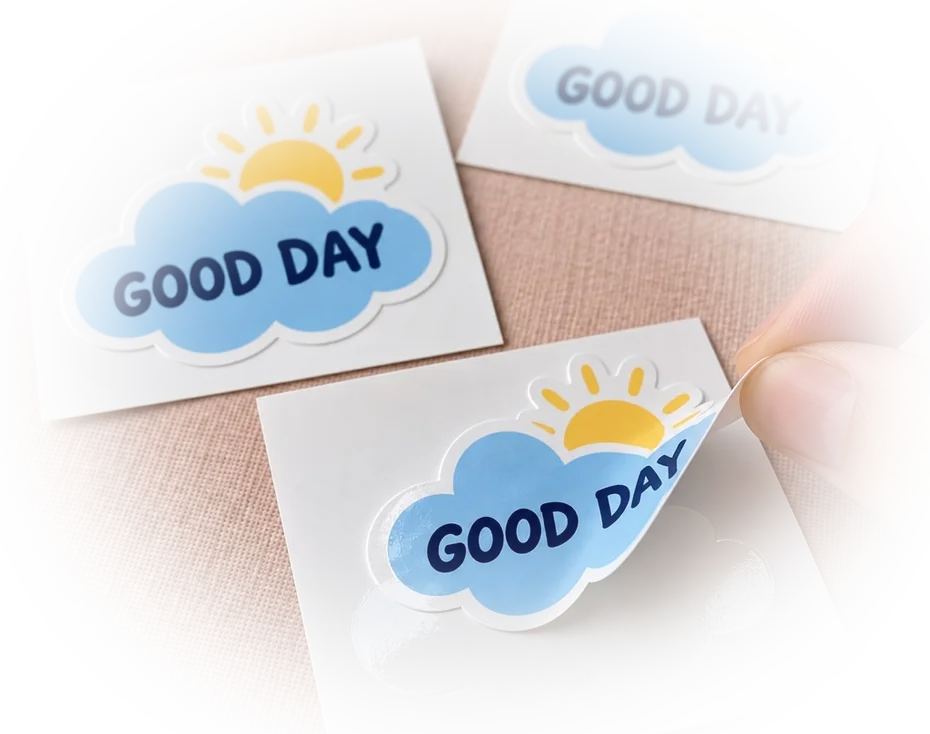
Scan to Pay QR Code Stickers
- Ships next day
- Free shipping
- Free proof — pay after you approve
- Upload your art and see the proof in seconds — or upload later and get it by email within 1 business day. You're charged only once you approve it. Changes are free, and you can cancel free any time before you approve.
How it works
- Upload your artOr order now and upload later.
- See your proof in secondsWith the cut line, free. Nothing prints until you say yes.
- We print and cutLaminated vinyl, cut to your shape.
- Ships next dayFree USPS shipping, or faster at checkout.
How to get it right
Your payment link, or your app's own code
Venmo, PayPal and Cash App each show a QR code for your account that you can save as an image, and each gives you a link to your profile or payment page. Put the app's code in your artwork and we print it exactly as it is. Or paste the link when you order: we make a dynamic code for it, our designer places it, and later you can point it somewhere else - a new checkout page, a different account - from My QR codes in your account, without reprinting and with no subscription. Either way, print your business name beside the code so a customer can see who they are paying before they send money.
Size it for the counter, not the phone screen
A code scans from roughly ten times its own width. At 3 inches, a customer can scan from about two and a half feet - the distance across a table or a register. A tip jar or a tablet stand works at 2 inches; a booth sign or a food-truck window wants 4 to 6. Keep the code black or very dark on a white or light background, and leave a margin of plain space around it at least as wide as four of its small squares.
Keep it yours
Payment codes in public places are a target: a stranger can put their own sticker over yours. Place the sticker where you or your staff see it all day, check it at the start of each shift, and print your business name beside the code so a customer notices if the account name in their app does not match. A die-cut outline or your own colors around the code also makes a lookalike easy to spot. With a dynamic code from us you can also switch the code off in My QR codes the moment something looks wrong.
Questions people ask about these
Do you make the QR code for my Venmo or PayPal?
We can, free. Tick Add a free dynamic QR code and paste the link to your payment page or profile, and our designer places the code. If you would rather use the code your app shows, put it in your design and we print it exactly as supplied.
What size should a scan to pay sticker be?
About 3 inches for a counter or a market table. A code scans from roughly ten times its width, so 2 inches suits a tip jar up close and 4 to 6 inches suits a booth sign or a truck window.
Can I put two payment codes on one sticker?
Yes, side by side with each app's name under its code and space between them. A wider rectangle, like 6 x 3 inches, gives both codes room to scan.
Will it survive spills and wiping?
Yes. It is laminated waterproof vinyl with a permanent adhesive, made for wet counters and outdoor stands.
Will the code still scan after printing?
A dark code on a light background with a clear margin scans well at the sizes on this page. Check the code on your proof by scanning it from your screen before you approve.
When do I pay?
Only after you approve the proof. With a dynamic QR code our designer places the code and emails the proof, usually within 1 business day; for most other files the proof is on screen in seconds. Your card is charged when you approve.
Guides for this job
- How to print QR code stickers that scan — size, margin, matte vs glossy
- Static vs dynamic QR codes — which one to print


- PeelThe backing lifts clean — no tearing
- PlaceLands flat - line it up before you press
- SmoothNo bubbles — press it down and you are done
- StaysLaminated and waterproof. Survives the dishwasher