Wi-Fi QR Code Stickers
- Ships next day
- Free shipping
- Free proof — pay after you approve
- Upload your art and see the proof in seconds — or upload later and get it by email within 1 business day. You're charged only once you approve it. Changes are free, and you can cancel free any time before you approve.
How it works
- Upload your artOr order now and upload later.
- See your proof in secondsWith the cut line, free. Nothing prints until you say yes.
- We print and cutLaminated vinyl, cut to your shape.
- Ships next dayFree USPS shipping, or faster at checkout.
How to get it right
How a Wi-Fi code works
Unlike a link, a Wi-Fi code carries the network name, the password and the security type inside the pattern itself. Any QR generator with a Wi-Fi option builds one: type the details, download the code, place it in your design. Because the password lives in the printed pattern, the code works with no internet service behind it - and it also means a new password needs a new sticker. It is also why the free dynamic QR codes we make for links cannot do this job: they open a web address, and a Wi-Fi code is not one.
A guest network, and a password that stays
Set up a separate guest network on your router and give it a password you will not need to change, then make the code for that network. Your own devices stay on the main network, anyone who scans gets only the guest one, and the sticker keeps working for years instead of until the next password change. If you rotate passwords on a schedule, print a small run and keep the spares for the day you switch.
Where it goes
Put the code where the question gets asked: on each cafe table or the end of a counter, inside a rental by the router or on the fridge, at a clinic or salon reception desk, in an office lobby. Add the network name in plain text under the code for anyone whose camera does not read it. A 3-inch code scans from arm's length; on a table where the phone is close, 2 inches is enough.
Questions people ask about these
Do you make the Wi-Fi QR code?
Not this one. Our free dynamic QR codes are made from a web link, and a Wi-Fi code carries the network name and password instead. Any QR generator with a Wi-Fi option makes one; put it in your design and we print it exactly as supplied.
What happens if I change my Wi-Fi password?
The old code stops working, because the password is inside the printed pattern. Use a guest network with a password that does not change, or order spares for the switch.
Is it safe to put our Wi-Fi password on a sticker?
Use a guest network for it. Anyone who scans can join that network, so keep your own computers and devices on a separate one.
Do phones join Wi-Fi from a QR code?
Most current phone cameras offer to join the network when they read a Wi-Fi code. Print the network name under the code for anyone whose phone does not.
What size should a Wi-Fi sticker be?
3 inches for a counter or a fridge door, 2 inches for a table where the phone is close.
When do I pay for the order?
After you approve the proof. For most files it is on screen in seconds before you pay; otherwise a designer emails it within 1 business day and the card is charged when you approve.
Guides for this job
- How to print QR code stickers that scan — size, margin, matte vs glossy
- Static vs dynamic QR codes — which one to print


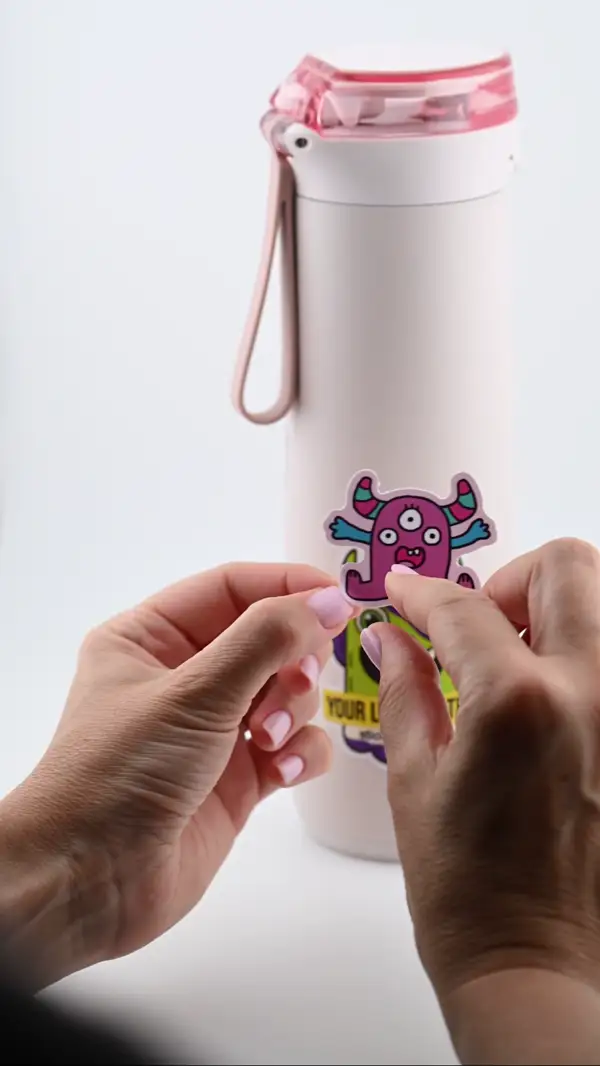
- PeelThe backing lifts clean — no tearing
- PlaceLands flat - line it up before you press
- SmoothNo bubbles — press it down and you are done
- StaysLaminated and waterproof. Survives the dishwasher