QR Code Menu Stickers for Tables
- Ships next day
- Free shipping
- Free proof — pay after you approve
- Upload your art and see the proof in seconds — or upload later and get it by email within 1 business day. You're charged only once you approve it. Changes are free, and you can cancel free any time before you approve.
How it works
- Upload your artOr order now and upload later.
- See your proof in secondsWith the cut line, free. Nothing prints until you say yes.
- We print and cutLaminated vinyl, cut to your shape.
- Ships next dayFree USPS shipping, or faster at checkout.
How to get it right
A code you can repoint
A printed QR code holds a web address, so the question is which address. With Add a free dynamic QR code, the code on the table opens a short stickersfox.com address that you point at your menu from My QR codes in your account - and repoint whenever the menu moves to a new page or a new ordering system, with no reprint and no subscription. My QR codes also shows scans by day for the last 14 days. If you prefer a plain code in your own file, point it at a menu page on your own website, like yourplace.com/menu, and update that page instead; a code that opens a PDF on someone else's platform is the one that ends up reprinted.
Sized to scan from the seat
A code scans from about ten times its width, and a seated guest's phone is one to two feet away, so 3 to 4 inches is the working size on a table. A bar top or a counter where people stand works at 3 inches; a code on the wall or a host stand that people read from across the room wants a poster or a cling instead. Keep the code dark on a light background, and leave plain space around it.
Where on the table
Put the sticker near the edge where the guest sits, not in the middle where plates and glasses cover it, and on a flat, smooth, clean surface - a sealed tabletop, not raw wood or textured stone. Add a short line above the code such as Scan for menu, or Scan to order and pay if your system takes orders, and your logo so the table still looks like your place when the menu is closed.
Questions people ask about these
Do you make the QR code for our menu?
Yes, free. Tick Add a free dynamic QR code and paste your menu link; our designer places the code and emails the proof. You can change where it leads anytime in My QR codes. Or put your own code in the design and we print it as supplied.
What happens when our menu changes?
Nothing on the table has to change. With our dynamic code you change the link in My QR codes; with your own code, point it at a menu page on your website and update the page.
What size QR code works on a restaurant table?
3 to 4 inches. A guest's phone is one to two feet from the table, and a code scans from roughly ten times its width.
Will the sticker survive wiping and spills?
Yes. It is laminated waterproof vinyl with a permanent adhesive. Apply it to a clean, smooth, sealed surface for the strongest hold.
Can we order a different code for each table?
Each design is its own line in the cart with its own proof, so a handful of different codes is fine. Every sticker within one design prints the same.
When am I charged?
Only after you approve the proof. With a dynamic QR code our designer places the code and emails the proof, usually within 1 business day; for most other files the proof is on screen in seconds. Your card is charged when you approve.
Guides for this job
- How to print QR code stickers that scan — size, margin, matte vs glossy
- Static vs dynamic QR codes — which one to print


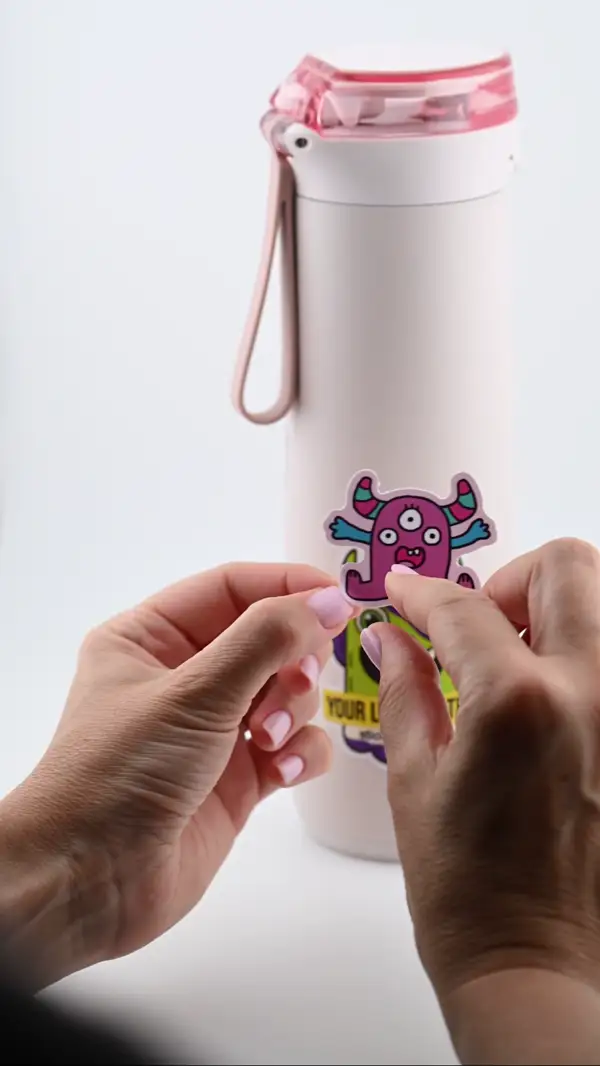
- PeelThe backing lifts clean — no tearing
- PlaceLands flat - line it up before you press
- SmoothNo bubbles — press it down and you are done
- StaysLaminated and waterproof. Survives the dishwasher