QR Code Window Decals
How it works
- Upload your artOr order now and upload later.
- Approve your proofEmailed within 1 business day. Nothing prints until you say yes.
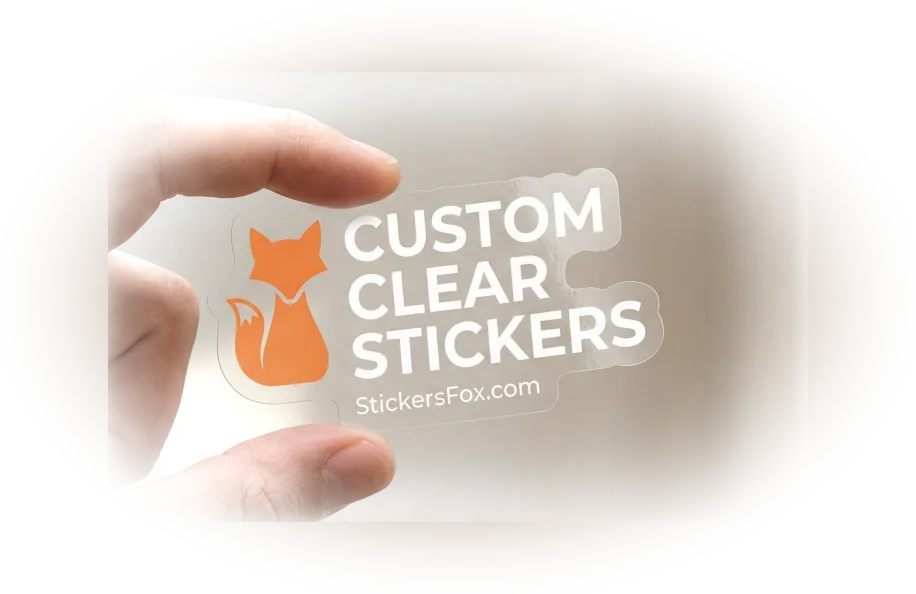
- Printed in 2 daysClear film, cut to your shape, 2 business days after you approve.
- Ships freeFree USPS shipping, or faster at checkout.
How to get it right
One code, one job
Decide what the code is for before you design the decal, because a code that tries to do four jobs does none of them well. A café sends people to the menu. A salon sends them to booking. A shop that closes at six can point late visitors to its hours or a review page. Put a short line of words beside the code, such as SCAN FOR OUR MENU, so a stranger knows what happens when they raise a phone. Print a code that opens a web address you control: the decal stays on the glass while the page behind it changes. A second destination, such as Wi-Fi, is a second design.
Contrast, a blank border and a test at distance
Scanners want dark squares on a light field with a plain border around them, so keep that blank border in your file and do not tuck the code against the sticker's edge or behind a logo. Leave out pale colors and gradients inside the code itself. How far away a phone can read it depends on the door and the people, and we will not offer a formula. Test it yourself before you order: print your code at the size you plan, tape it to the inside of the glass, step outside and scan it from where customers will stand. If your phone hesitates, choose a larger size or ask the designer for a cleaner layout. Changes are free.
Behind the glass, out of reach
A code stuck on the outside of a door can be scratched, peeled off or swapped for a different sticker by anyone passing. Inside the glass, only your own staff can reach the decal itself, and rain and window cleaner stay on the far side of the pane. The decal reads through the glass from the street, so it serves people waiting at a locked door as well as people walking in. For a code you expect to swap or take down, our QR code window clings use static in place of adhesive and come off cleanly to be reused.
Questions people ask about these
What can I link a window QR code to?
Any web address: a menu, a review page, a booking form, a Wi-Fi sign-in, a social profile. Choose one destination per decal and say what it is in a short line of words beside the code.
How big should the code be?
There is no safe rule we can give for every door. Print your code at the planned size, hold it to the inside of the glass and scan it from where customers will stand. If it hesitates, go bigger or ask the designer to adjust the layout.
Do I have to mirror the code myself?
No. Upload the code the way a phone should read it, and we mirror it for the inside of the glass. Scan your own file before you upload it, and check on the free proof that the code is complete and the size is right.
Why put a QR code behind the glass?
Outside, anyone can scratch, peel or swap a code. Inside, only your staff can reach the decal, and weather stays on the far side of the pane. It still reads from the street through the glass.
Should I choose a window decal or a window cling for a QR code?
Choose the decal for a code that stays, such as the menu or the review page. Choose the QR window cling when you want to take the code down or swap it, since a cling has no adhesive.
How soon are QR window decals ready?
You see the free proof first, and any changes to the code or wording cost nothing. The print run starts 2 business days after approval, you pay once you have approved, and standard USPS delivery costs nothing. Faster delivery is offered at checkout.