School QR Code Stickers
- Ships next day
- Free shipping
- Free proof — pay after you approve
- Upload your art and see the proof in seconds — or upload later and get it by email within 1 business day. You're charged only once you approve it. Changes are free, and you can cancel free any time before you approve.
How it works
- Upload your artOr order now and upload later.
- See your proof in secondsWith the cut line, free. Nothing prints until you say yes.
- We print and cutLaminated vinyl, cut to your shape.
- Ships next dayFree USPS shipping, or faster at checkout.
How to get it right
One sticker, a link that can change
A school page changes every week, and a printed code on it should not. A dynamic QR code points to an address you control: you can change where it leads at any time in My QR codes in your account, and the sticker stays the same. The lunch menu can move to a new page each month, the events calendar can roll into next term, and a sign-up form can be replaced when it closes. The code is free, and there is no subscription. The printed words should say what the code does, such as Lunch Menu or Sign Up for Conferences, so a family knows what a scan will open.
Five jobs for a school QR sticker
The lunch menu is the obvious one, on cafeteria tables and in the front office. An events calendar fits the lobby and the pickup line. A sign-up form for volunteers, conferences or a field trip suits a hallway board, and a donation page suits a booster stand or a fundraiser table. A library can point a code to its catalog for students to search from their phones. Each design carries its own code, and each design is its own item in the cart with its own quantity and its own free proof, so five jobs mean five designs. Every sticker in a design prints the same code.
Size, contrast and placement
A code scans best when it is large, dark on light and sits on a flat surface at a height people can reach. Keep the sticker's printed words outside the code and leave a clear margin around it; the designer places the code, and the proof shows how it sits. Do not shrink the code to make room for a logo, and do not stack it under a curve or a fold. Test it on the proof by pointing a phone camera at the screen before you approve. Stickers go on tables, counters and boards where students and families stop; for a sign in a hallway, go bigger.
Questions people ask about these
What is a dynamic QR code?
It is a code that points to an address you can change later. The printed code stays the same, and you update where it leads in My QR codes in your account.
Is the QR code free?
Yes. Tick Add a free dynamic QR code in the calculator, paste your link, and we make the code. There is no subscription.
Can I change the link after the stickers are printed?
Yes. Sign in to your account, open My QR codes and change the address. The stickers you already have will lead to the new one.
Can different stickers in one run have different codes?
No. Every sticker in a design prints the same code. For a different link, make a separate design; each design is its own item in the cart with its own quantity and its own free proof.
What size should a school QR sticker be?
Start at 4 x 4 inches so the code is large and easy to scan. Preset sizes run from 2 to 6 inches, and a custom size is available if the spot needs another shape.
Can I see where the code goes before I approve the proof?
Yes. The link you paste is the one the code leads to, and the proof shows how the code sits on the sticker. Nothing prints until you approve it, and changes on the proof are free.
Guides for this job
- How to print QR code stickers that scan — size, margin, matte vs glossy
- Static vs dynamic QR codes — which one to print


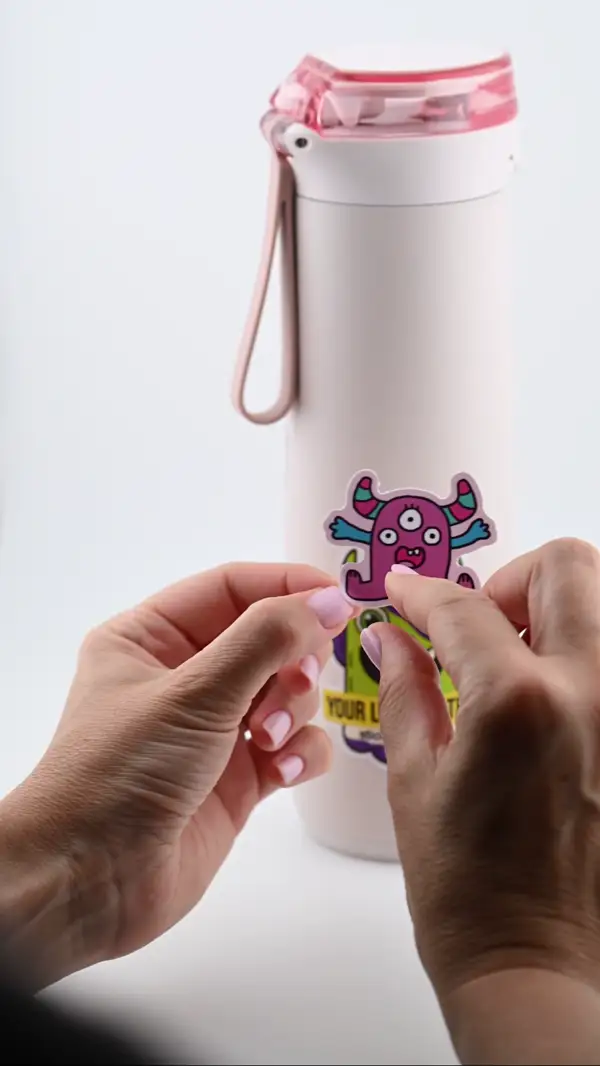
- PeelThe backing lifts clean — no tearing
- PlaceLands flat - line it up before you press
- SmoothNo bubbles — press it down and you are done
- StaysLaminated and waterproof. Survives the dishwasher